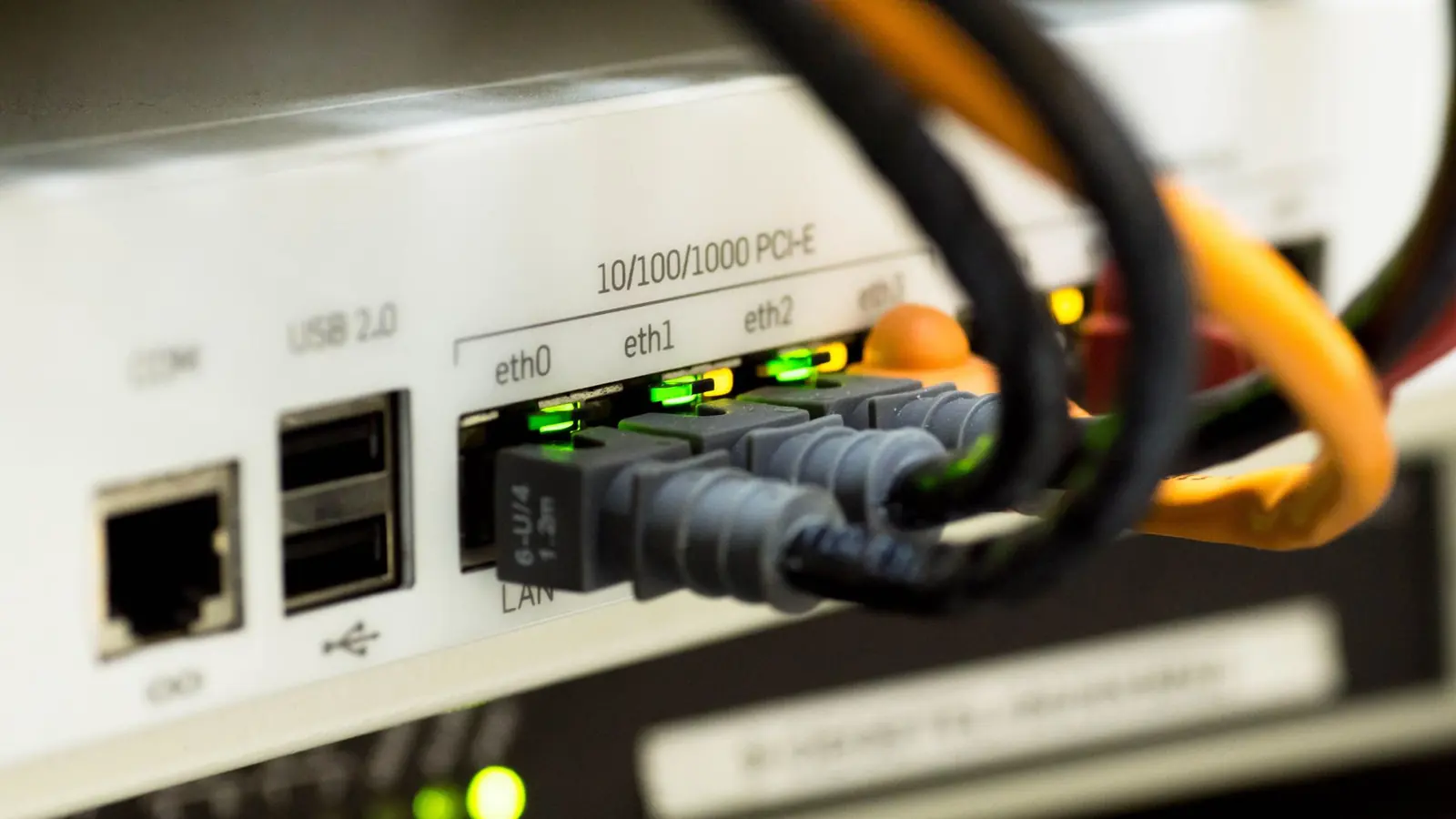
VoIP (Voice over Internet Protocol) turns your voice into digital data, splits it into small packets, and sends those packets over the internet instead of a copper phone line. A signaling protocol called SIP sets up and ends each call, your VoIP provider routes it, and if the person you are calling is on a regular landline or mobile phone, the provider hands the call to the traditional phone network for the last leg. The whole round trip has to happen in well under a quarter of a second for the call to feel natural.
The sections below explain each step in plain English, what makes a VoIP call sound good or bad, how much internet you need, and what happens when the power or internet goes out. Technical figures come from standards bodies (ITU-T, IETF), vendor documentation and FCC rules, linked in the Sources section.
How does a VoIP call work, step by step?
A VoIP call goes through seven steps in the second or so between someone in your office saying "Hello" and the customer hearing it.
- Your voice is digitized. The phone or app samples the sound from the microphone and compresses it with a codec (coder-decoder). The codec decides how much data each second of speech takes and how good it sounds.
- The audio is cut into packets. The phone typically packs 20 milliseconds of audio into each packet, which means 50 packets per second, according to Cisco's bandwidth documentation. Each packet gets headers that say where it is going and what order it belongs in. The audio itself travels using RTP (Real-time Transport Protocol), defined by the IETF in RFC 3550.
- SIP sets up the call. Before any audio flows, the phone sends a SIP (Session Initiation Protocol, IETF RFC 3261) message to your provider that says, in effect, "I want to call this number." SIP handles the ringing, the answer, transfers, hold and hang-up. Think of SIP as the dispatcher and RTP as the delivery trucks.
- Packets leave your building. They go from the phone to your network switch, through your router, across your internet provider's network, and over the internet to your VoIP provider's servers.
- Your provider applies your rules. The provider's cloud phone system (often called a hosted or cloud PBX) checks your call routing: business hours, the phone menu, ring groups, voicemail, forwarding to mobile. This is why you can change how calls ring from a web browser instead of from a box in a closet.
- The call reaches the other person. If they are on the same VoIP system, the packets go straight to their device. If they are on a landline or mobile phone, the provider passes the call to the public switched telephone network (PSTN) through its interconnections with phone carriers. Under FCC rules (47 CFR 64.6301), voice providers sign outgoing calls with STIR/SHAKEN caller ID authentication so the receiving carrier can check the caller ID is real.
- The other end rebuilds the audio. The receiving phone holds incoming packets briefly in a "jitter buffer," puts them back in order, decodes them and plays them through the speaker. Their reply makes the same trip in the opposite direction at the same time.
What is a codec, and which one does my phone use?
A codec is the method used to turn sound into data and back. Higher bitrates generally sound better but use more bandwidth. You rarely choose the codec yourself. The phone and the provider negotiate it at the start of each call.
| Codec | Bitrate (audio only) | What it sounds like | Where you see it |
|---|---|---|---|
| G.711 | 64 kbps | Classic landline quality (narrowband) | The common baseline for connecting to the traditional phone network |
| G.729 | 8 kbps | Slightly lower quality, much less bandwidth | Older systems and links with tight bandwidth |
| G.722 | 64 kbps | "HD voice" (wideband), noticeably clearer than a landline | Many desk phones on calls within the same VoIP system |
| Opus | 6 to 510 kbps, adaptive | Adjusts quality to the network in real time | Apps such as Zoom Phone |
One practical point: a call to a regular landline or mobile number usually ends up at landline quality on the last leg, even if your end uses HD voice. Calls between two people on the same VoIP system tend to sound the clearest.
What affects VoIP call quality?
Three network measurements decide almost everything about how a VoIP call sounds: latency, jitter and packet loss. Bandwidth matters less than most people expect.
| Measure | What it is | What you hear when it is bad | Commonly cited target |
|---|---|---|---|
| Latency (delay) | Time for audio to get from one mouth to the other ear | People talking over each other, awkward pauses | Under 150 ms one way (ITU-T G.114). G.114 treats 400 ms as the upper limit for general network planning. |
| Jitter | Variation in how long each packet takes to arrive | Choppy or "robotic" voice, words cut short | RingCentral: no more than 40 ms. Microsoft's Teams dashboard flags audio as poor above 30 ms. |
| Packet loss | Share of packets that never arrive | Gaps, clipped syllables, garbled audio | RingCentral: no more than 1%. Cisco: ideally zero. |
The ITU-T G.114 standard puts it this way: if mouth-to-ear delay stays below 150 ms, most applications, speech included, "will experience essentially transparent interactivity." The same standard notes that typical VoIP calls within a region of 5,000 km or less (for example, within North America) are likely to stay under that figure.
What causes VoIP call quality problems in an office?
- A full upload pipe. A cloud backup, a large file upload or a video meeting can saturate upload bandwidth and push voice packets into a queue. Router Quality of Service (QoS) settings that put voice first fix most of this.
- Wi-Fi. Microsoft's Teams network guidance notes that Wi-Fi networks "aren't necessarily designed or configured to support real-time media" and recommends prioritizing voice traffic on Wi-Fi and using the 5 GHz band where possible. Desk phones on a wired connection avoid the issue.
- VPNs. Microsoft recommends routing calling traffic around the VPN (split tunneling) because VPNs add latency and are often not built for real-time media.
- SIP ALG. A router feature that rewrites call signaling. SonicWall's support documentation lists one-way audio, phones not ringing and calls dropping after they connect as symptoms, and recommends disabling it unless your router maker or VoIP provider says otherwise.
- The internet path itself. Problems outside your building show up as latency or loss that you cannot fix with router settings. Your provider's network test and call quality reports are the way to spot this.
How much bandwidth does a VoIP call use?
A VoIP call uses less bandwidth than most people expect. The codec's bitrate is only part of it, because each packet also carries addressing headers, so the bandwidth a call uses on the network is higher than the codec's own bitrate.
| Codec | Audio bitrate | Bandwidth per call on the network | Source |
|---|---|---|---|
| G.711 | 64 kbps | 87.2 kbps (Ethernet, 20 ms packets) | Cisco |
| G.729 | 8 kbps | 31.2 kbps (Ethernet, 20 ms packets) | Cisco |
| Opus | 6 to 510 kbps, adaptive (RFC 6716) | About 60 to 100 kbps (Zoom Phone calls between Zoom endpoints) | Zoom |
Microsoft gives a figure without naming a codec: Teams audio calls have a recommended bitrate of 58 kbps and 76 kbps for best performance, in each direction. For how much mobile data a call uses per minute on a phone plan, see our guide to how much data a VoIP call uses on mobile.
For planning, use 100 kbps up and 100 kbps down for each call happening at the same time. That number is at or slightly above every vendor figure above, which gives you some headroom.
A worked example. A 20-person office where, at the busiest moment, 8 people are on phone calls needs about 8 x 100 kbps = 800 kbps (0.8 Mbps) of upload and download for voice. Almost any business internet plan handles that. Video is a different story: Microsoft recommends 1,500 kbps (1.5 Mbps) each way for a one-to-one Teams video call, so three people on video meetings use more bandwidth than eight phone calls. If your calls break up, look at what else is using the connection at the same time, and especially at upload.
VoIP vs. landline vs. cellular: what is the difference?
| VoIP (business cloud phone) | Traditional landline | Cellular (mobile plan) | |
|---|---|---|---|
| How the call travels | Data packets over your internet connection | Dedicated circuit over copper or the carrier's network | Radio to a cell tower, then the carrier's network |
| Where the number lives | In the cloud, rings any device you choose | Tied to a physical line at one address | Tied to one phone or SIM |
| Business features | Phone menus, ring groups, queues, recording, apps, integrations, usually included | Limited, often extra hardware needed | Basic, unless paired with a business phone service |
| During a power cut | Needs power for the router, modem and phones (or a mobile app) | Copper lines powered by the phone company can keep working; many newer landline services cannot | Works while the phone battery and nearby towers have power |
| During an internet outage | Desk phones stop; calls can be forwarded to mobiles if set up in advance | Not affected | Not affected |
| 911 location | Provider must send a dispatchable location for fixed service; remote users must keep their address current | Tied to the line's address | Based on device location technology |
| Adding a user | Minutes, from an admin portal | Often a technician visit | New line or device |
The traditional copper network is shrinking. In an order published in April 2026, the FCC cut regulatory barriers to moving from legacy networks and services to IP-based infrastructure. For most businesses, the practical question is no longer whether to move to VoIP, but how to set it up well.
What hardware do you need for VoIP?
VoIP needs less hardware than you might think. You can run a business phone system entirely on laptops and mobile phones. Most offices mix the options below.
- IP desk phones. Phones that plug into your network instead of a phone jack. Most can be powered by the network cable itself (Power over Ethernet, or PoE) through a PoE network switch, so there is one cable per desk. Best for front desks and anyone on the phone all day.
- Softphones. The provider's desktop and mobile apps. They turn a laptop or smartphone into a business extension with the same number. Best for remote and hybrid staff. Our guide to mobile VoIP apps for business covers what to look for.
- Headsets. A decent USB or Bluetooth headset often improves call quality more than any network change, because laptop microphones pick up keyboard and room noise.
- Analog telephone adapters (ATAs). Small boxes that connect an old analog device (a fax machine, a cordless phone, a door entry phone, an alarm panel) to a VoIP service. Check alarm panels with your alarm company first, since some need a specific connection.
- A router and switch that handle voice well. QoS support, a way to disable SIP ALG, and enough PoE power budget for your desk phones.
If you already own an on-premises phone system (a PBX) that works well, you do not have to replace it. SIP trunking connects an existing PBX to the phone network over the internet. See SIP trunk providers compared.
What happens to VoIP in a power or internet outage?
Outages are the one area where VoIP needs more planning than an old copper line. A VoIP desk phone needs three things to work: power at the phone, power for your network equipment, and a working internet connection. Lose any one of them and the desk phone stops.
Does VoIP work in a power outage?
No federal rule requires a business VoIP provider to supply battery backup. The FCC's backup power rule only ever covered residential, facilities-based fixed voice service. It sunset on September 1, 2025, and the FCC removed the section (47 CFR 9.20) from its rules effective March 16, 2026, in its "Delete, Delete, Delete" rule. Backup power is your responsibility.
A simple plan:
- Put the modem, router and PoE switch on an uninterruptible power supply (UPS). Size it for how long you want phones to keep working, not just to shut down safely.
- Make sure staff have the provider's mobile app installed and signed in, so they can keep taking calls over cellular data.
What happens to VoIP calls when the internet goes down?
- Set a forwarding rule in advance so calls go to mobile numbers (or another office) when your desk phones are unreachable. Ask your provider exactly where this setting lives and test it by unplugging the router.
- For offices where phones are critical, a second internet connection from a different provider (for example, cable plus fixed wireless or a cellular backup router) removes the single point of failure.
Does 911 work on VoIP during an outage?
FCC rules (47 CFR 9.11) require interconnected VoIP providers to warn every customer, in plain language, that 911 may not work or may be limited during a broadband failure or loss of electrical power, or if a phone is moved, and to get the customer's acknowledgment. Providers of fixed VoIP must send an automated dispatchable location with each 911 call. For phones and apps that move around, providers must supply location automatically where technically feasible or use a registered location that users can update. Under Kari's Law (47 CFR 9.16), multi-line phone systems must let users dial 911 directly, without a prefix like 9.
In practice: make sure every user's 911 address is correct, that remote staff update theirs when they work from a new place, and that everyone knows to use a mobile phone for 911 if the office phones are down. Our VoIP E911 requirements guide covers the legal details.
Is VoIP secure?
VoIP calls travel over the internet, so they face internet risks: stolen login credentials, toll fraud (criminals using a hijacked account to make expensive international calls), and eavesdropping on unencrypted calls. The basics go a long way: strong passwords and two-factor login for every user, blocking international calling for users who do not need it, and choosing a provider that encrypts calls. Our VoIP security guide has the full checklist.
Is VoIP right for your business?
VoIP is a good fit for most small and mid-size businesses, especially those with remote or hybrid staff, more than one location, or a need for phone menus and call queues without buying hardware. Adding users, changing call routing or moving offices is done from an admin portal instead of a technician visit.
Plan more carefully if your office has slow or unreliable upload, depends on old analog equipment such as alarm panels or elevator phones, or is in an area with frequent long power outages. VoIP still works in all three cases, but you will want a backup connection, adapters for the analog devices, and a UPS before you switch. When you are ready to compare services, our guide to choosing a VoIP provider walks through the checklist.
Choosing a phone system? See the main providers' current plans side by side.
Compare VoIP providers →Frequently asked questions
Does VoIP work without internet?
No. A VoIP desk phone or softphone needs an internet connection to make or receive calls. If your office internet goes down, calls can still reach you if you have set up forwarding to mobile numbers in advance, or if staff use the provider's mobile app over cellular data.
How much internet speed do I need for VoIP?
Plan for about 100 kbps of upload and 100 kbps of download for each call happening at the same time. Vendor documentation from Cisco, Zoom and Microsoft puts a single call between roughly 31 and 100 kbps depending on the codec. Ten simultaneous calls need about 1 Mbps each way, and consistent low latency matters more than raw speed.
Do I need special phones for VoIP?
No. You can use the provider's apps on computers and smartphones. Many offices add IP desk phones for people who are on the phone all day, and an analog telephone adapter can connect older devices such as fax machines or cordless phones.
Why does my VoIP call sound choppy or robotic?
Choppy or robotic audio usually means jitter or packet loss, most often caused by a busy upload connection, Wi-Fi, a VPN, or a router feature called SIP ALG. Try a wired connection, turn on Quality of Service in the router to prioritize voice, and ask your provider whether SIP ALG should be disabled on your router.
Does 911 work on VoIP phones?
Yes. Interconnected VoIP providers are required by the FCC to provide E911, but it depends on a correct registered address and on power and internet being available. Keep every user's 911 address up to date, especially for remote workers, and keep a mobile phone available as a backup.
Sources
- ITU-T Recommendation G.114: One-way transmission time
- IETF RFC 3261: SIP, Session Initiation Protocol
- IETF RFC 3550: RTP, A Transport Protocol for Real-Time Applications
- IETF RFC 6716: Definition of the Opus Audio Codec
- ITU-T Recommendation G.711: Pulse code modulation of voice frequencies
- ITU-T Recommendation G.722: 7 kHz audio coding within 64 kbit/s
- Cisco: Voice Over IP, Per Call Bandwidth Consumption
- Cisco: Quality of Service for Voice over IP
- Zoom: Calculating Bandwidth Usage for Zoom Meetings and Phone
- Microsoft Learn: Prepare your organization's network for Teams
- Microsoft Learn: Stream classification in Call Quality Dashboard
- RingCentral: Quality of Service guidelines
- SonicWall: How and when to disable SIP ALG
- 47 CFR 64.6301: Caller ID authentication (STIR/SHAKEN)
- 47 CFR 9.11: E911 service (interconnected VoIP)
- 47 CFR 9.16: Direct 911 dialing and dispatchable location (Kari's Law)
- Federal Register, 14 January 2026: "Delete, Delete, Delete" direct final rule removing 47 CFR 9.20 (backup power)
- Federal Register, 20 April 2026: Reducing Barriers to Network Improvements and Service Changes